Device Manager_How to modify individual parameters by bulk config push
Bulk configuration file pushes are commonly used to stage new devices. However, in some scenarios, customers may only need to modify a small number of settings across their device fleet rather than applying a full configuration file. In these cases, the Config feature can be used to push one or more specific parameters to multiple devices.
For example, Wi-Fi is disabled by default on IR300 serial routers at the factory. If the only required change is to enable Wi-Fi, this single parameter can be pushed to all target devices without flashing the whole configuration.
- Log in to Device Manager portal, go to Config, click on add+:

- At the creating page, put "wl0_enable=1" at the Config Content:

- Then select the target device:
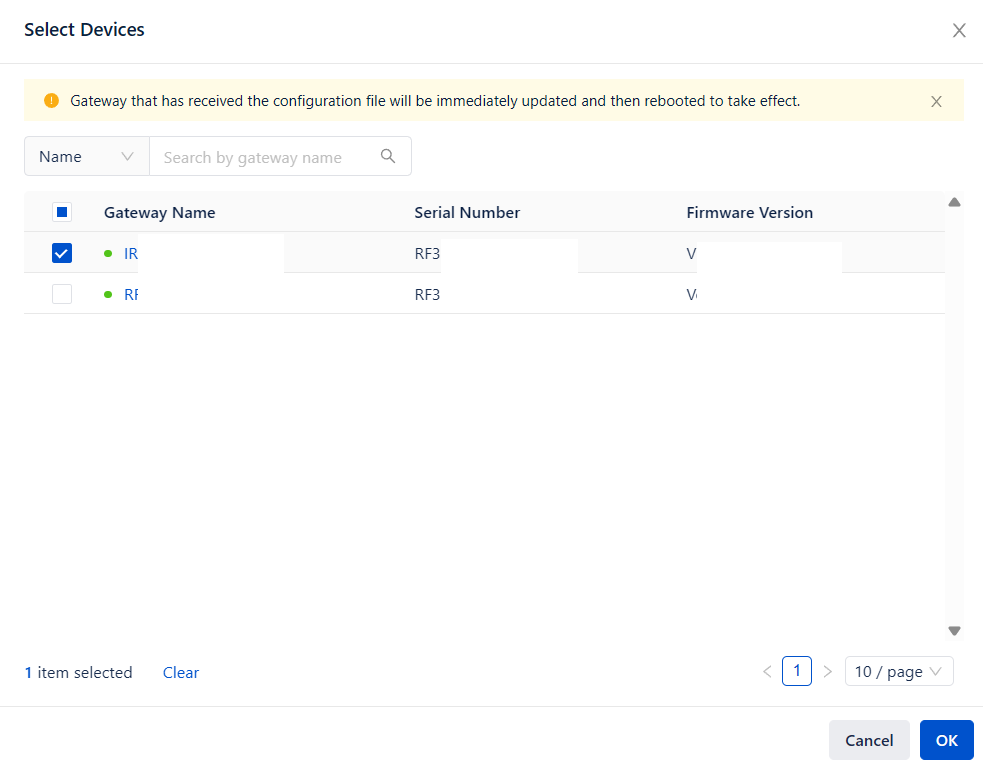
- After the config is pushed to the devices, they will reboot automatically.
Topic Participants
Victor Cao