How to create an online portal account-Device Manager
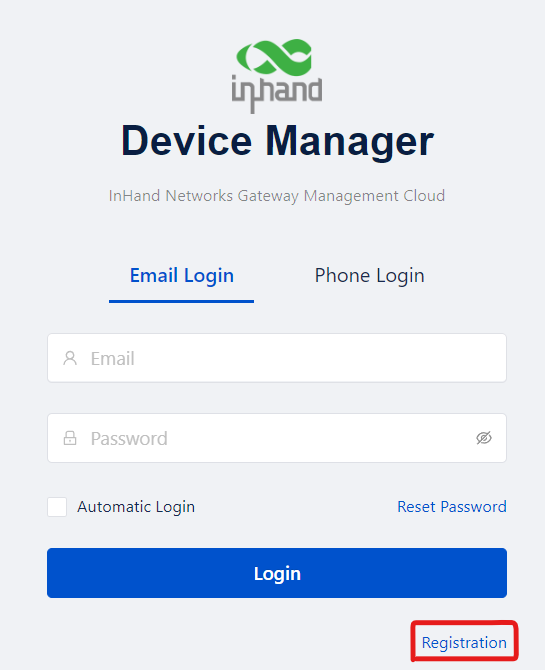
1.Type the url in the browser: https://iot.inhandnetworks.com/. Please click the Registration to create an online portal account.
2. Fill in the basic information in the box
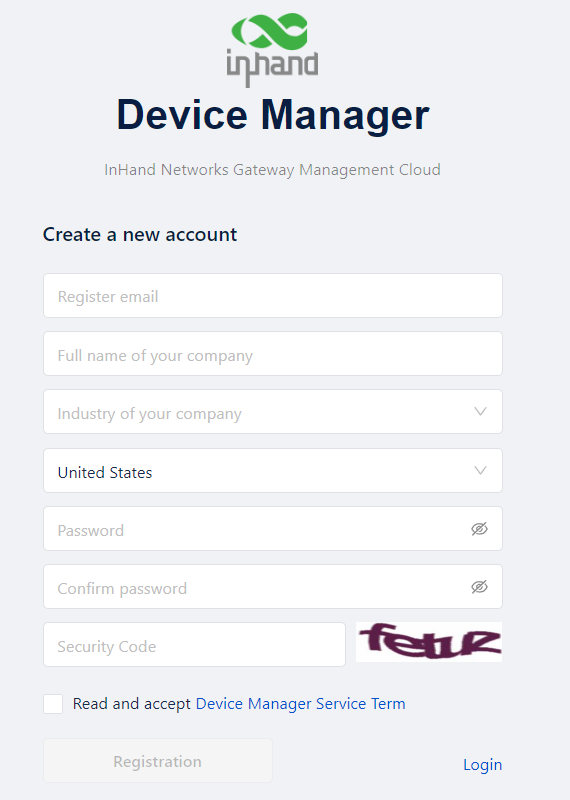
3.After clicking the Registration, check your mail box to complete the registration.
4. Enter your mailbox, open the new email and click the button-“verify my email”. Then, you can jump to the interface of Device Manager.