How to download system logs for VG710
Click "Administration >> System Log" to view system logs.
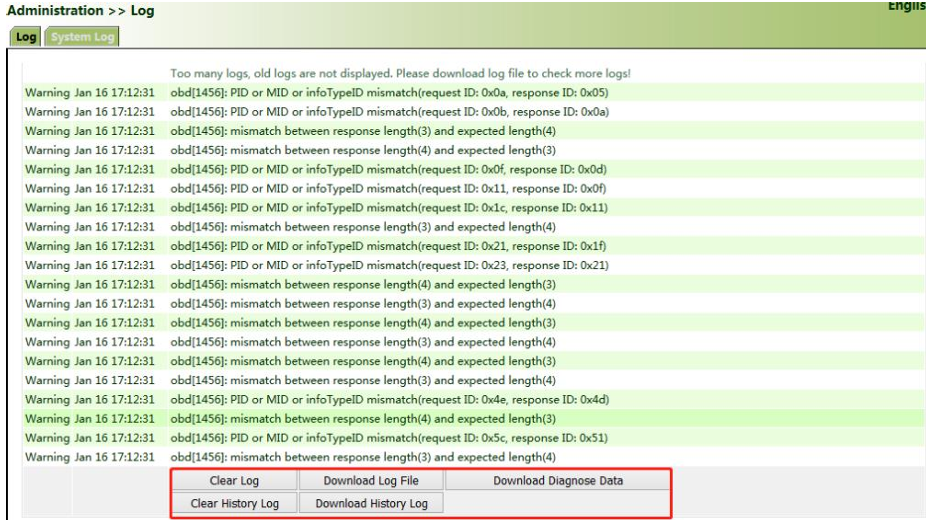
This page also provides the following operations: "Clear Log", "Download Log File",
"Download Diagnose Data", "Clear History Log", and "Download History Log". History
logs are those stored for extended time as specified on the "System Log" page.
The diagnose data file is encrypted, because the gateway configuration information is
downloaded together with the diagnose data. You need to decrypt the file with the
decryption tool provided by InHand.
Topic Participants
sam.shang