How to create an online portal account-InCloud?
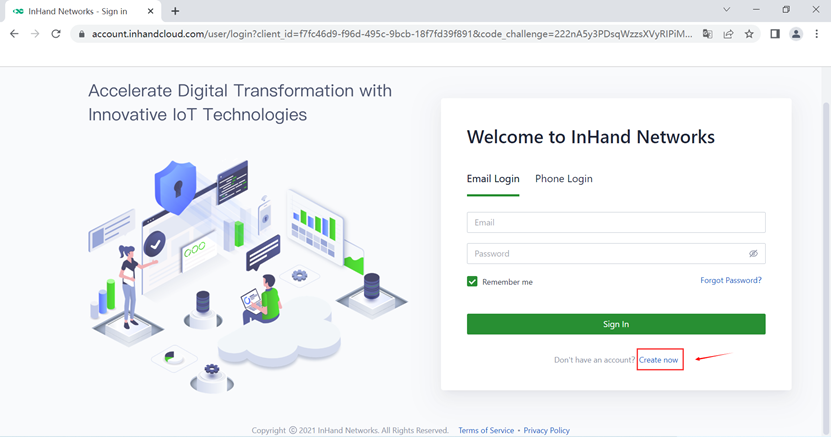
1. Type the URL in the browser: https://star.inhandcloud.com. Please click "Create now" to create an online portal account.
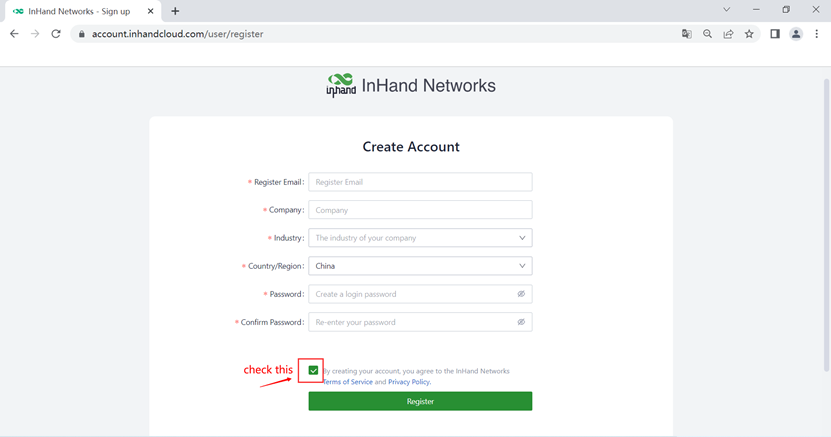
2. Fill in the basic information in the box as follows. Then click the Register.
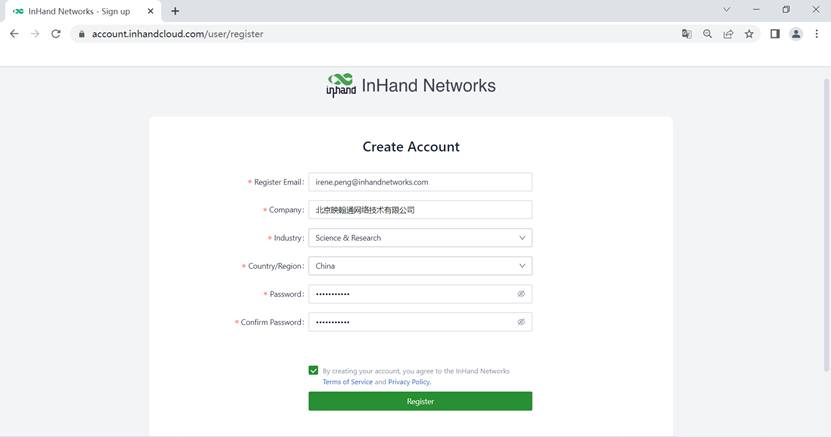
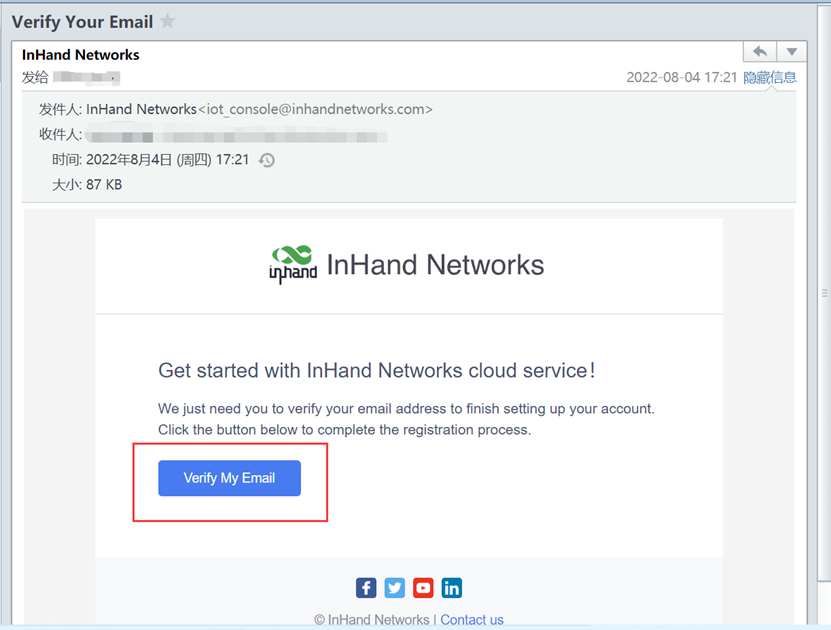
3. After clicking register, a confirmation email will be sent to complete the registration.
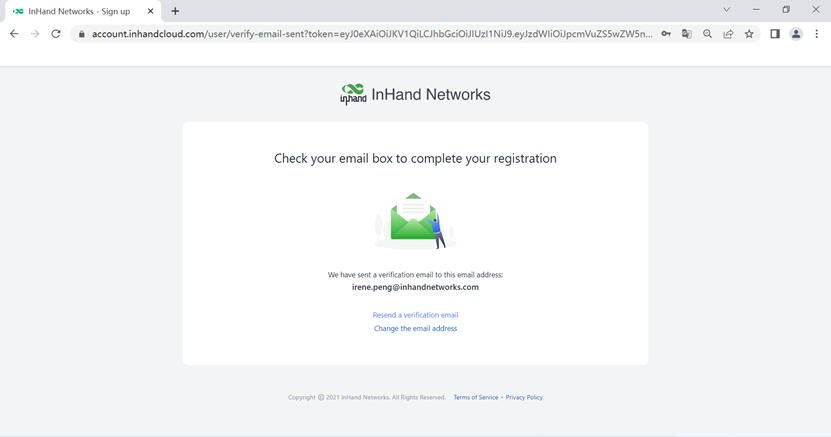
4. Open the new email and click the button “verify my email”.
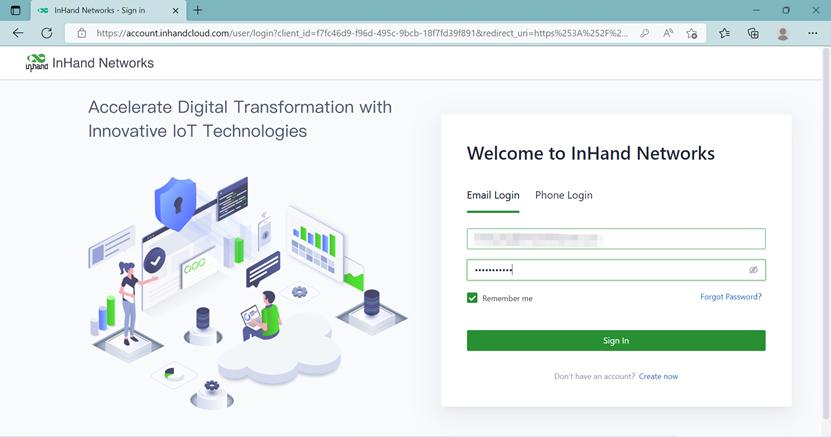
5. There will be a login page, log in with email and password.
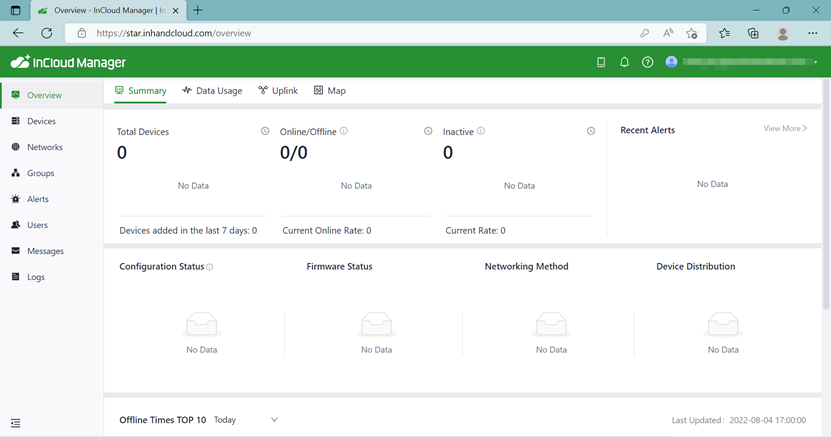
6. It will jump to the web interface of InCloud.
Topic Participants
Irene Peng