Remotely Access the Device Backend by Creating a Tunnel via DM
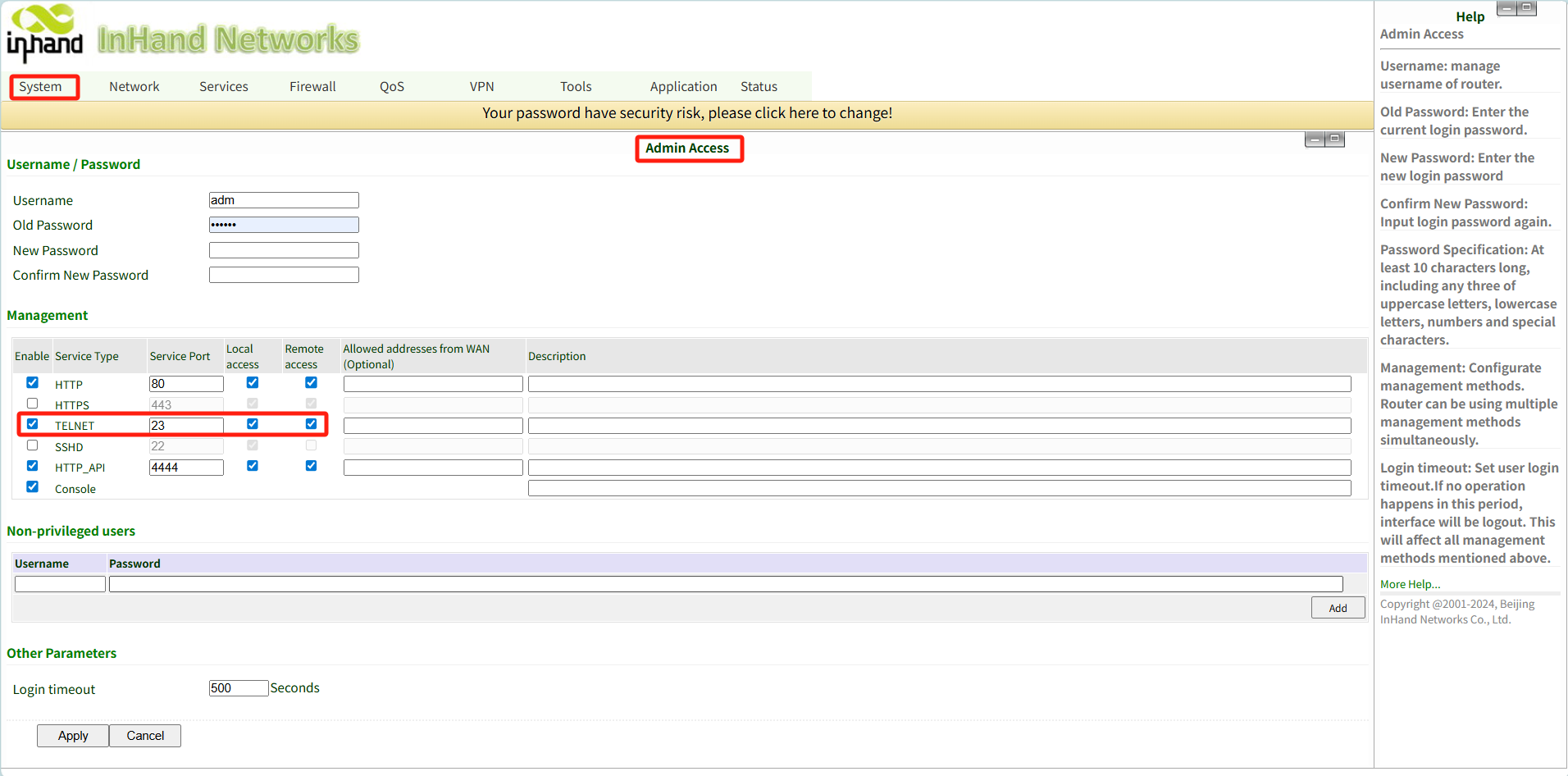
- Configure the Web GUI: Go to System > Admin Access on the device's Web GUI. Enable TELNET and ensure both local access and remote access are check
- Create the Tunnel: In DM, click New Tunnel. Create a tunnel with the protocol set to TCP and the port set to 23. Click Connect. A server address will be displayed.
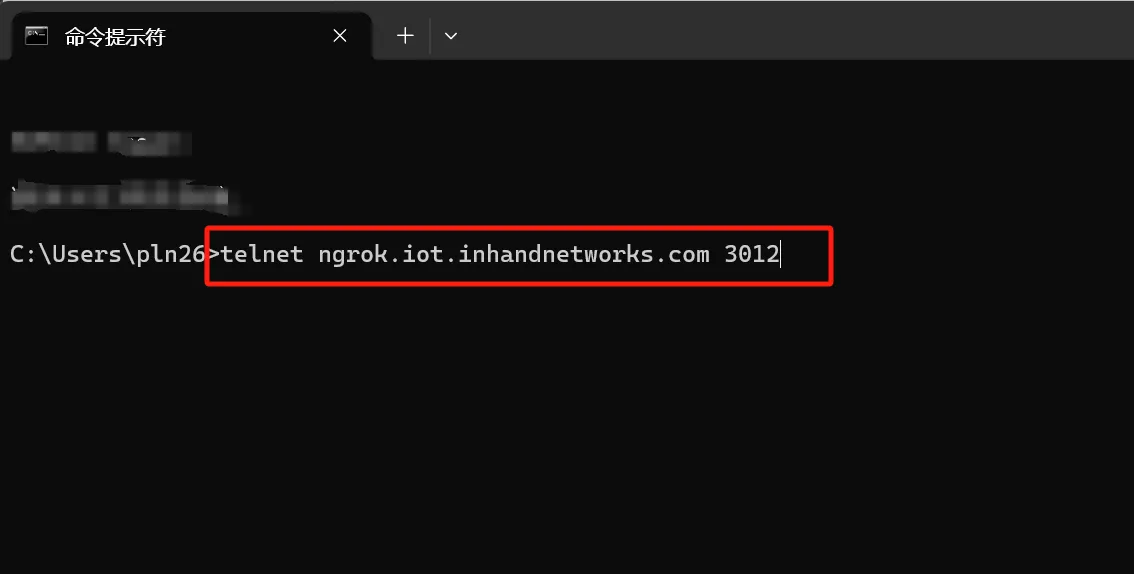
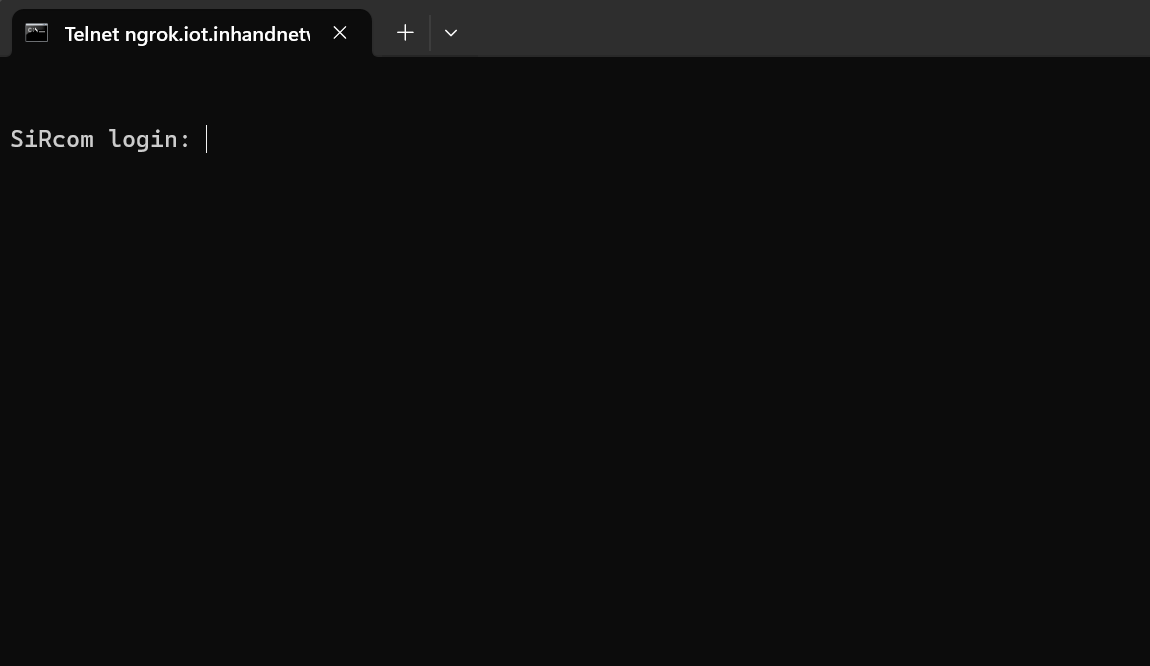
- Connect via CMD: Open the Command Prompt (cmd) on your computer and execute telnet hostname port (using the address obtained in the previous step) to log in to the device backend.