Guide for EC connect with Device Live
- First log in the Web GUI of EC.
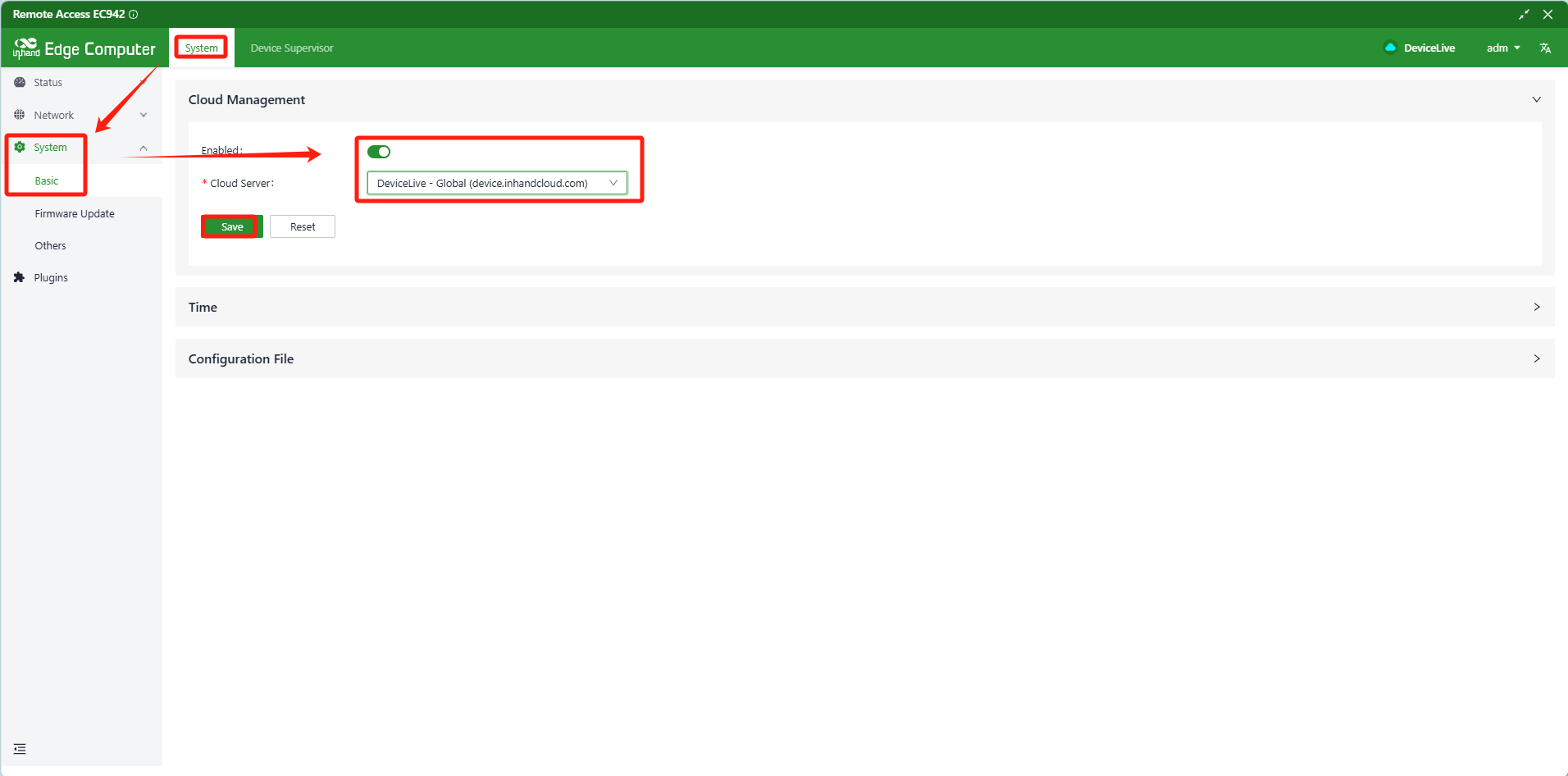
- Navigate to System-->System-->Basic, Enable the Cloud Management, and choose the Cloud server to DeviceLive-Global (device.inhandcloud.com).
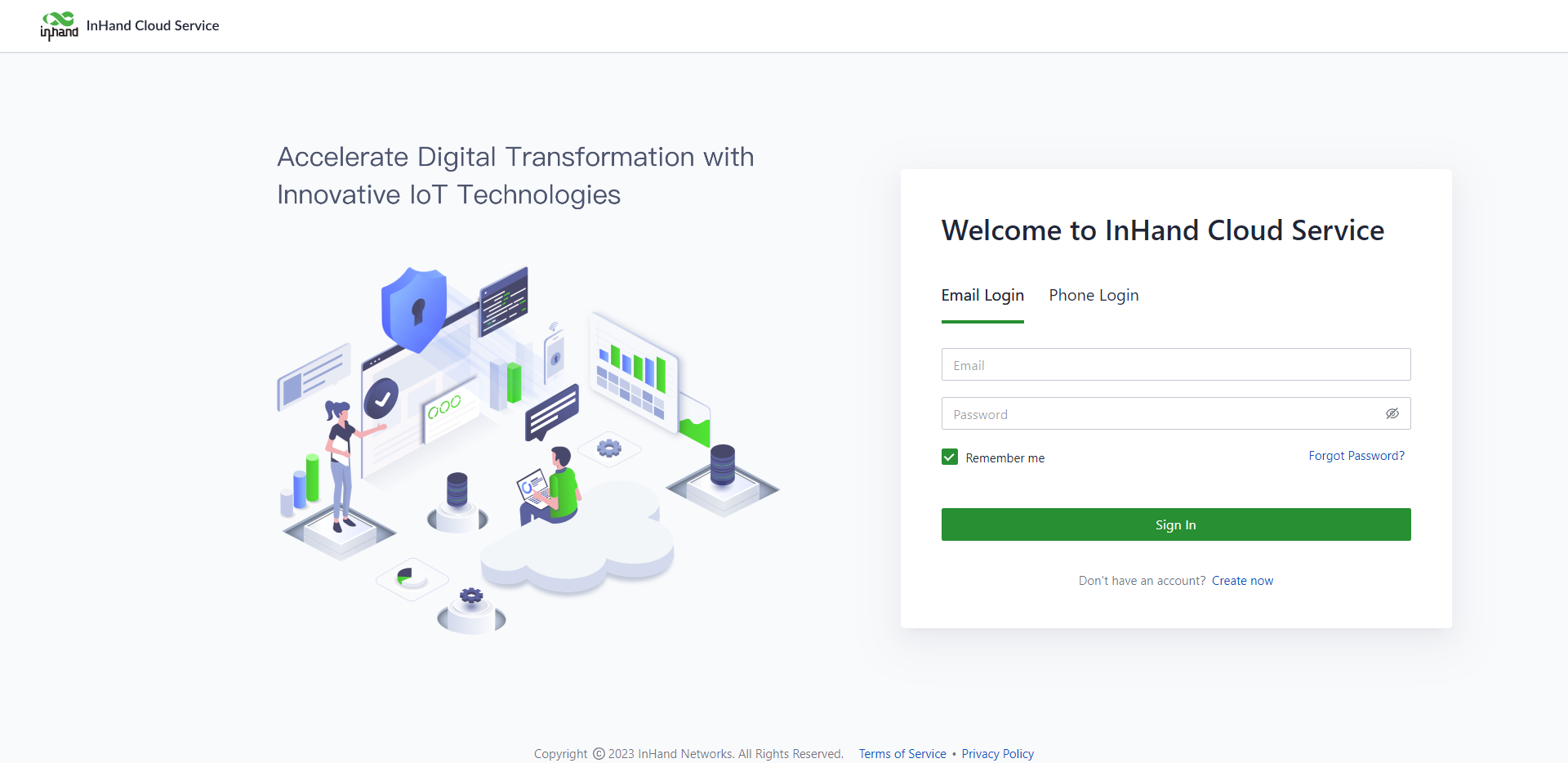
- Use the browser to visit the DeviceLive-Global with URL:https://device.inhandcloud.com, click the Create now to create your account.
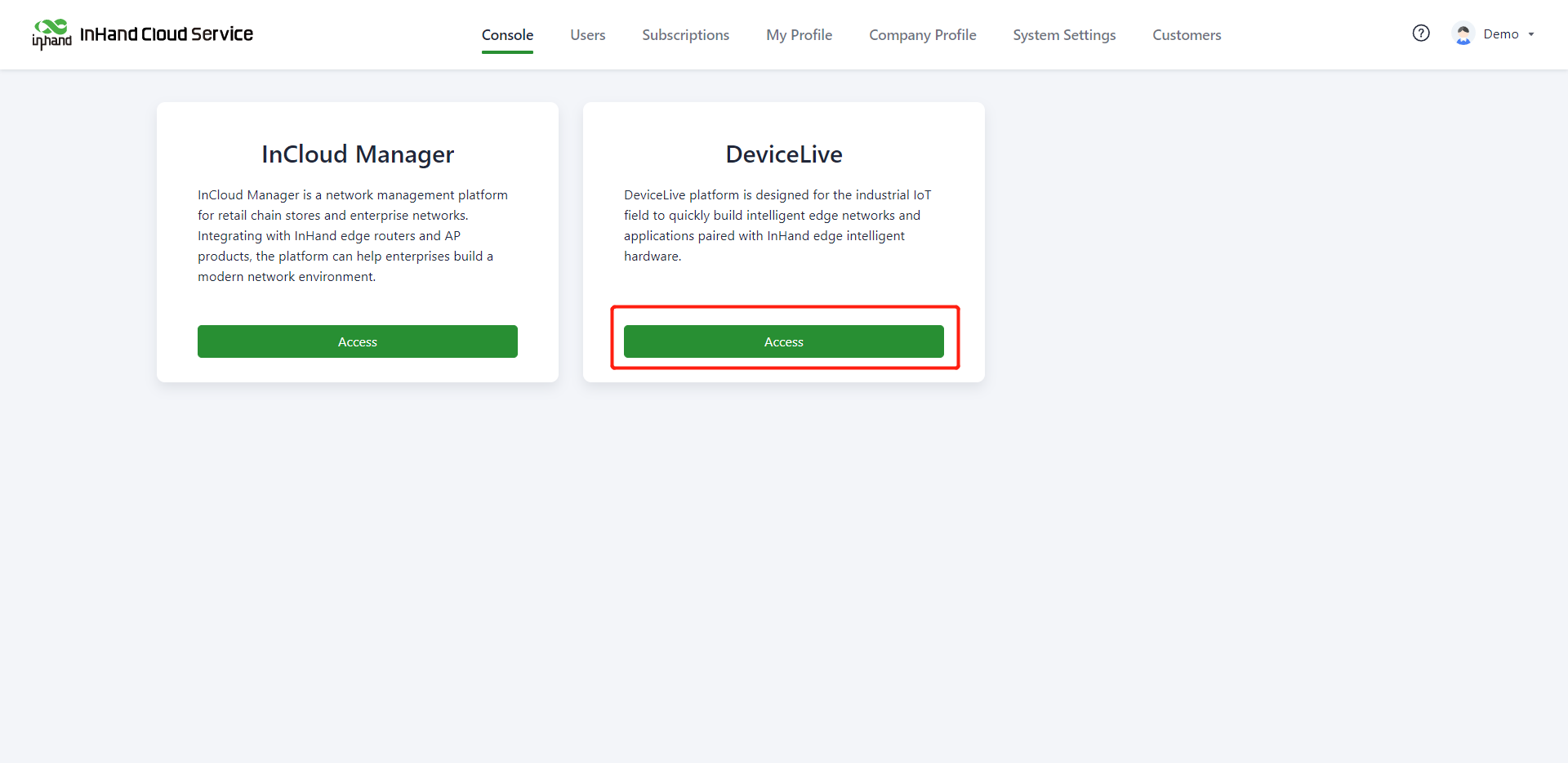
- After registration and verification, click Access under "DeviceLive" in the Console to enter DeviceLive. You can also enter https://device.inhandcloud.com/ login directly to DeviceLive.
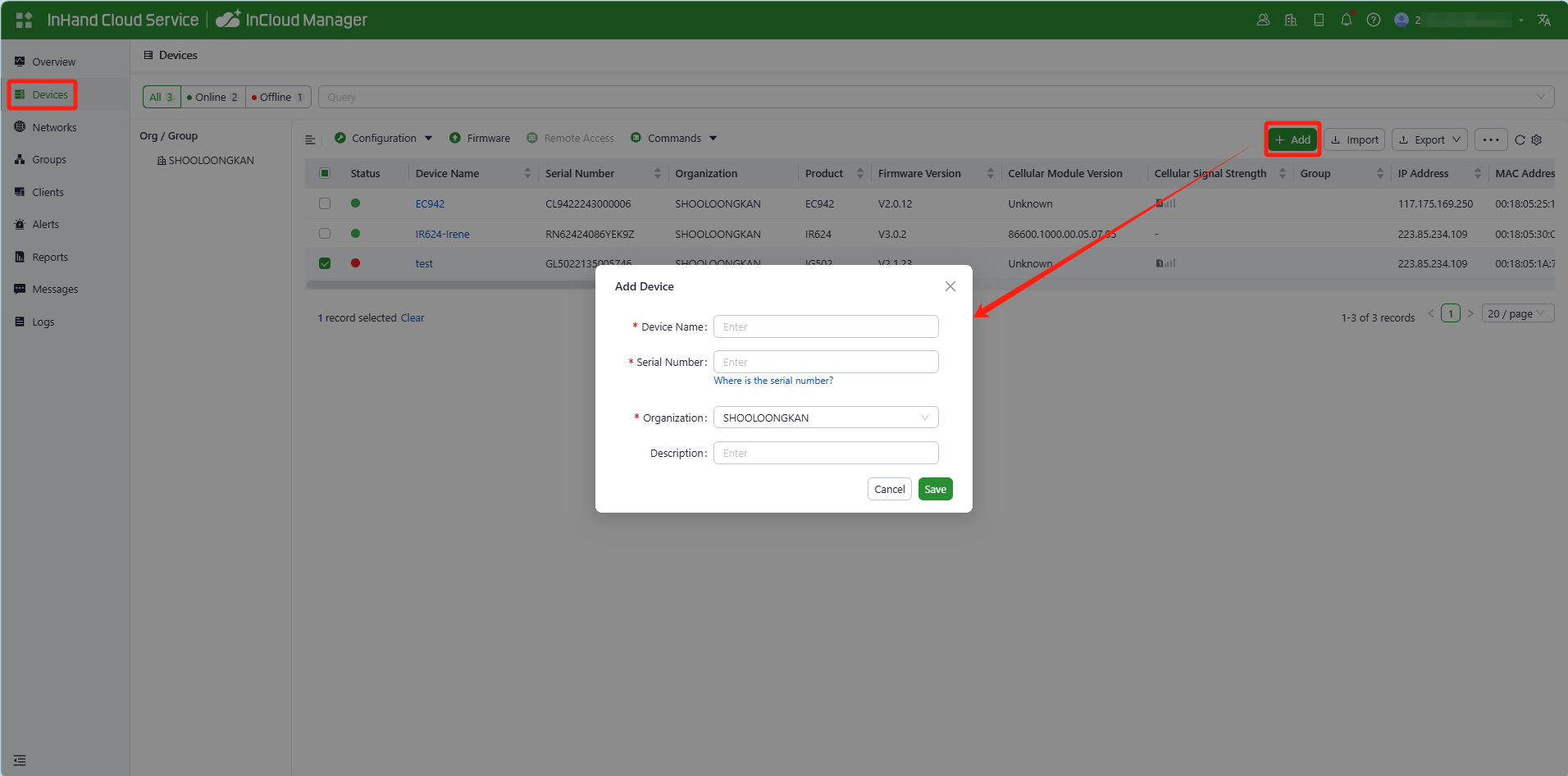
- Add Device: Click 'Add' on the 'Devices' menu page. In the 'Add Device' popup, enter the device name, serial number, and MAC address, then click 'Confirm'.